 Tyler Folkman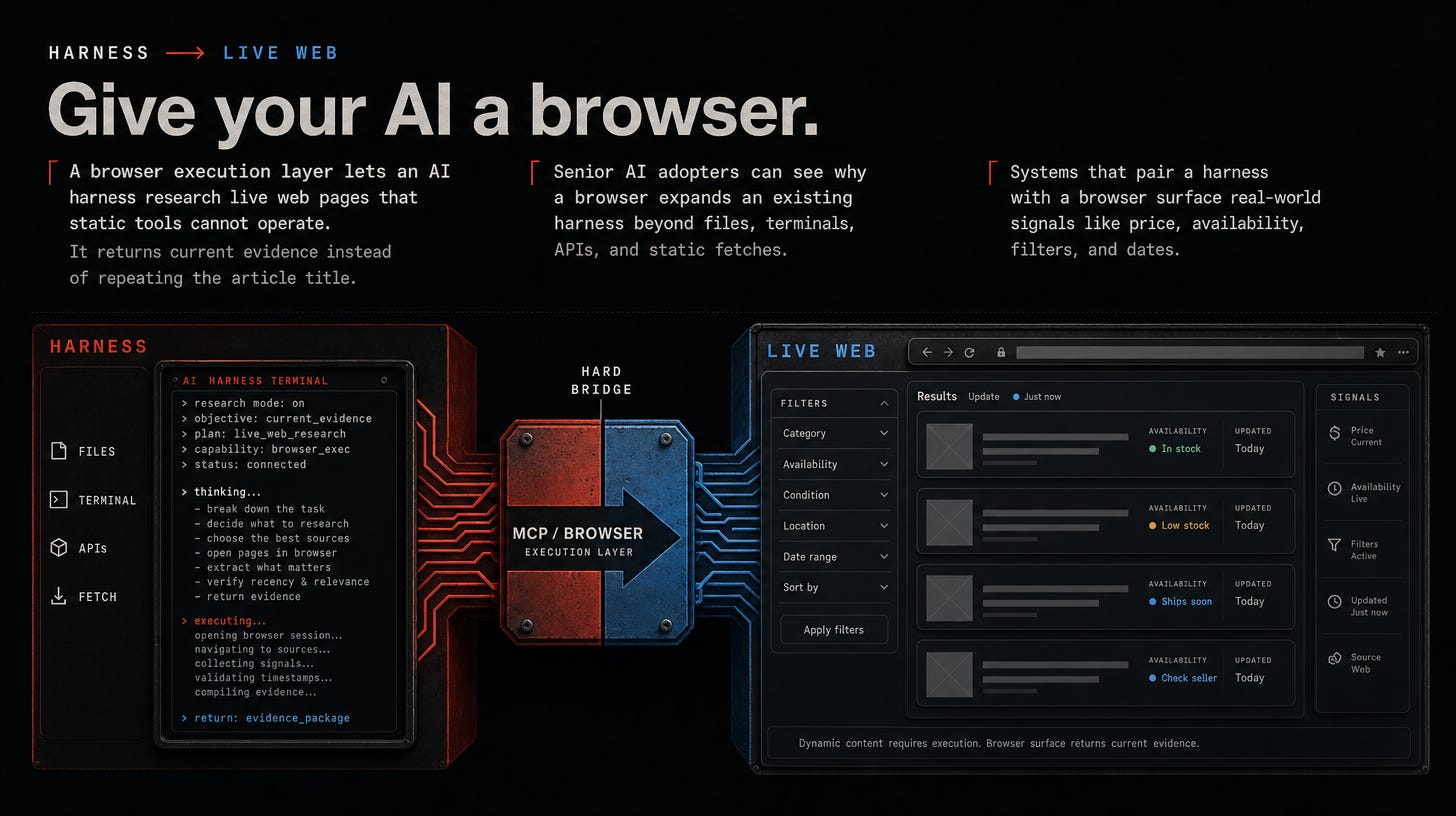
Most AI harnesses can search for a hotel. Fewer can reliably compare the rooms available for your dates.
The same gap appears when I ask AI to research current flight options, compare AI hardware prices, check product availability, or work through a site with filters and client-side rendering.
The model may understand the task. Its normal tools still cannot see or operate the page the way a person can.
I added BrowserOS as a browser layer behind my harness. It did not make the model smarter. It gave the model access to a part of the web its usual tools could not reach.
The use case is research, not autonomous transactions. I want the agent to return current evidence and comparisons, then stop before booking, checkout, purchase, submission, or another side effect.
Why one browser is the wrong abstraction
Search and fetch tools are fast, cheap, and easy to cite. Use a browser when the answer depends on live state behind JavaScript, a date picker, a filter, a client-side table, or another interaction.
Routing everything to a browser still creates four kinds of waste:
• Rendering waste. A page load is more machinery than a text search or content extraction.
• Context bloat. Snapshots and DOM trees consume attention when there is nothing to click.
• Profile exposure. A general-purpose profile can carry sessions and permissions the task never needed.
• Fragility. References go stale, pages change, and headless automation can be blocked. A screenshot does not make static information better evidence.
Claude Code and Codex both document browser paths. BrowserOS gives any compatible MCP client another option: a persistent Chromium layer independent of one harness. See the Claude Code Chrome docs, Codex browser docs, and BrowserOS MCP client docs.
The fix is a routing rule, not a longer prompt.
Route research by capability
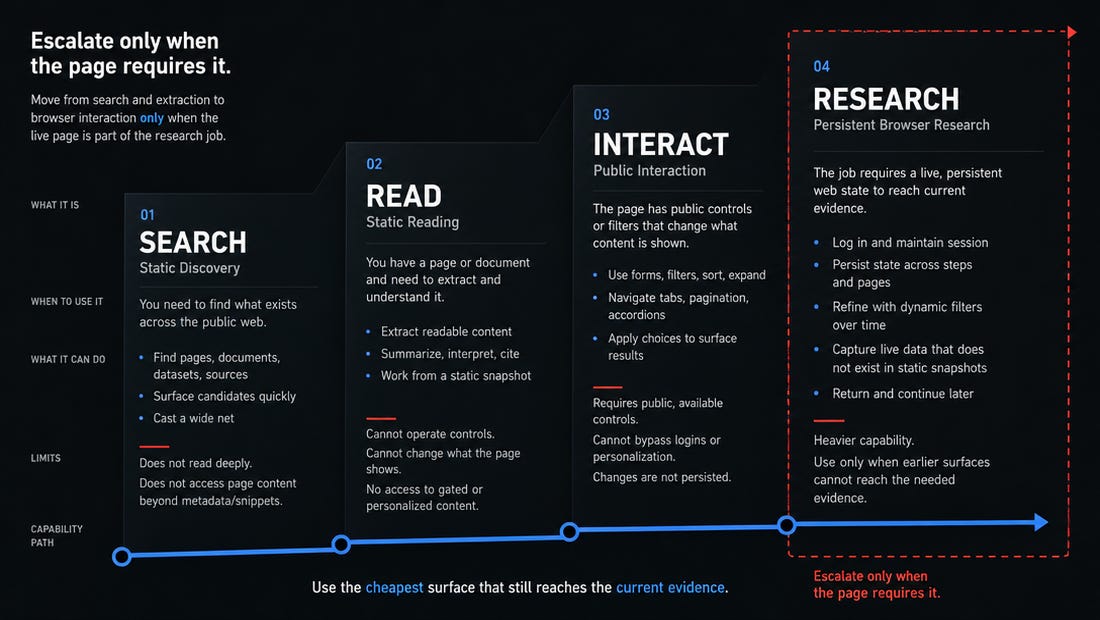
I route web research through four lanes:
1. Discover. Use search to find current sources.
2. Read. Extract known articles, PDFs, videos, and repositories.
3. Interact. Use a disposable browser for public, JavaScript-heavy pages.
4. Research. Use a persistent browser when tabs, filters, dates, availability, or session state must survive across steps.
Start with the cheapest surface that can answer the question. Escalate only when the page itself is part of the research.
The public interaction example is intentionally boring:
agent-browser open https://example.com
agent-browser snapshot -i
agent-browser click @e3
agent-browser wait --load networkidle
agent-browser snapshot -i
agent-browser close
Use a harmless public page or another test target. The exact reference `@e3` depends on the interactive snapshot, so inspect the output before copying it. After navigation, take a new snapshot. References become stale. Reusing one means the agent is guessing.
The agent-browser session documentation covers temporary sessions and persistent profiles. Its security guidance treats confirmations and action policies as explicit controls.
The free architecture is the capability ladder. Paid readers get the implementation that makes it repeatable: a browser service that survives restarts, a dedicated profile with controlled authority, a tested harness-to-live-page chain, routing rules, approval gates, and verification that the endpoint is not unintentionally exposed.