 Tyler Folkman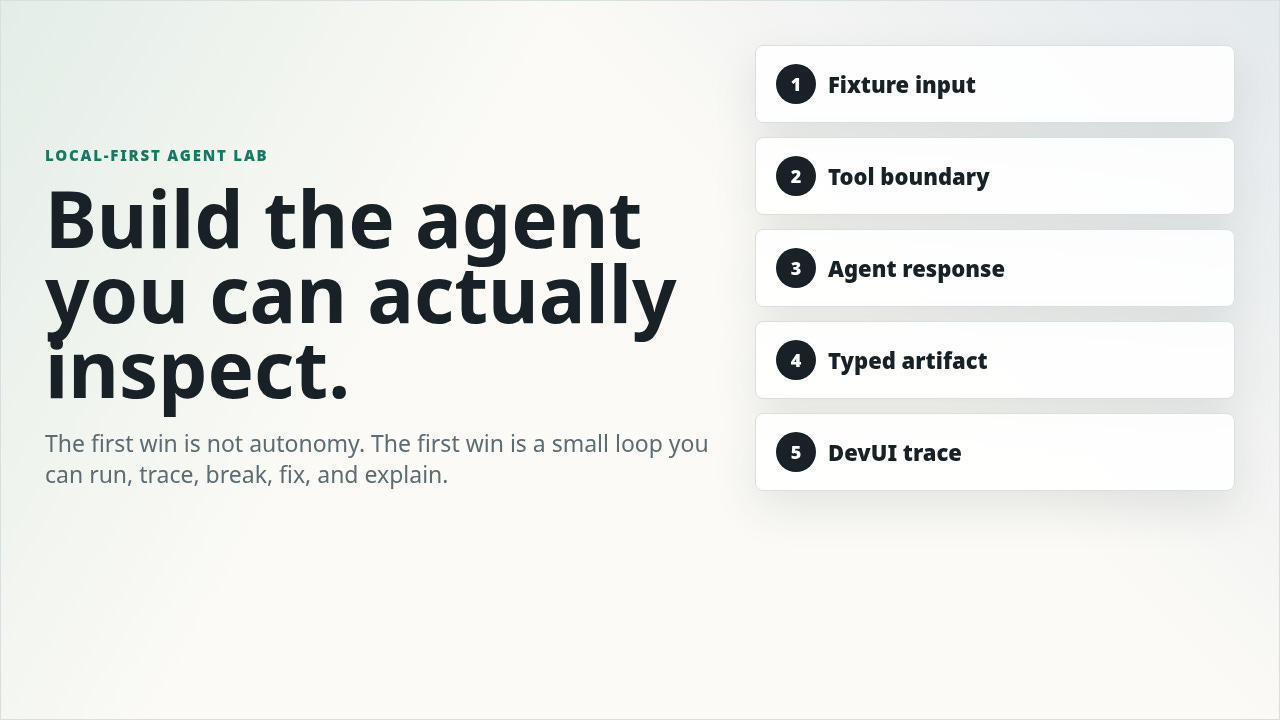
I do not trust an agent I cannot watch fail.
That became my rule after building a small Microsoft Agent Framework lab.
I watched a simple agent fail for the exact reason most agent projects fail.
Not because the model was bad.
Not because the framework was wrong.
Because I had skipped the boring part.
I wanted the agent to read real data, call a model, produce a useful review, show up in a UI, and leave enough trace evidence that I could understand what happened after the fact. That sounds reasonable until one run fails with malformed JSON, another fails because the database URL uses the wrong protocol, and a third writes nothing because the model broke before the artifact step.
First lesson: stop optimizing for impressive. Build a loop you can inspect, rerun locally, break on purpose, and explain without guessing.
I would rather have a boring local workflow that writes `review.json`, `events.jsonl`, and `failure.json` than a beautiful demo that only works when the model behaves.
Call it the Boring Agent Test.
Fixture data. One read-only tool. Typed output. A Markdown artifact. A browser trace. No production data. No writes. No magic.
This is the build path I wish I had started with.
The Boring Agent Test
Most first agents fail because people start with production ambition.
They want live data, tools, memory, long-running workflows, retries, approvals, observability, deployment, and maybe training later. They add all of it before they understand the runtime.
That is backwards.
Start with the boring loop:
1. Read fixture data.
2. Call one model endpoint.
3. Use one safe tool.
4. Validate one typed output.
5. Write durable artifacts.
6. Watch the run in DevUI.
That loop teaches the framework faster than reading docs linearly because each piece has a reason to exist. The client calls the model. The agent owns instructions and tools. The workflow owns routing. The schema owns truth. DevUI shows the execution. The files preserve evidence.
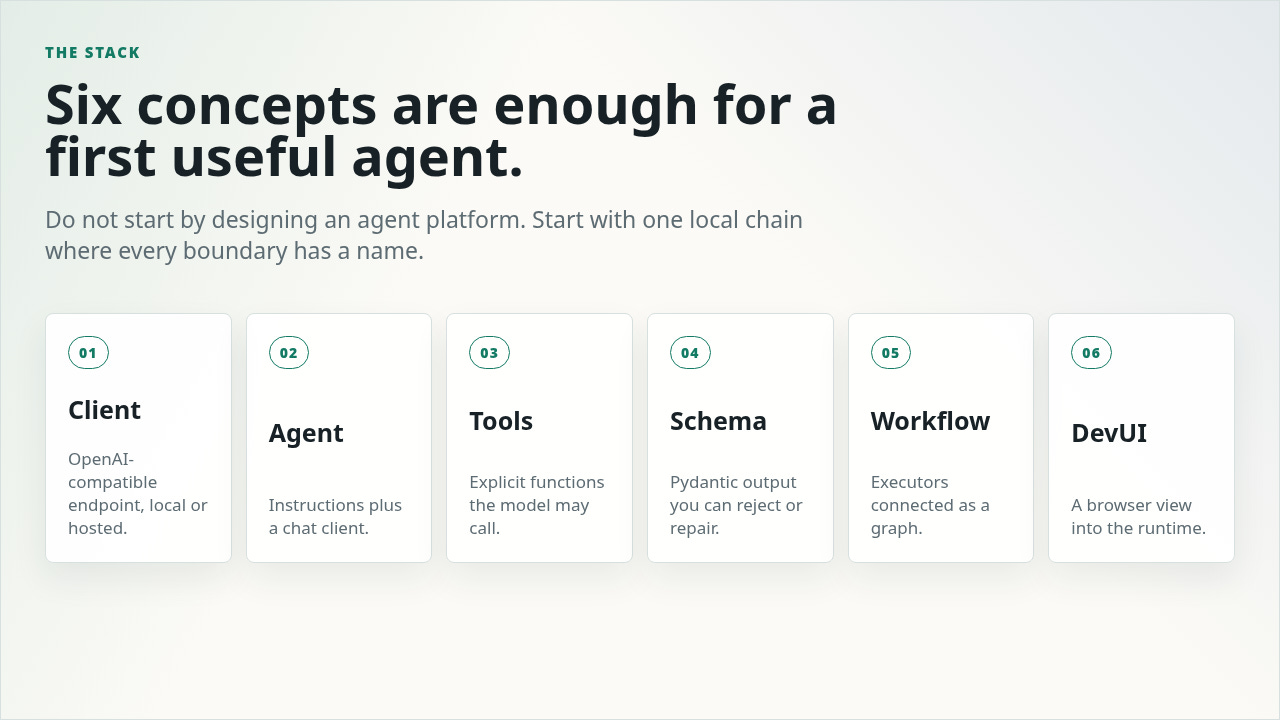
Microsoft's Agent Framework repo describes the project as a way to build, orchestrate, and deploy agents and multi-agent workflows across Python and .NET. Useful, but too big as a starting point. For the first build, the slice is smaller:
• Client: your OpenAI-compatible endpoint, local or hosted.
• Agent: instructions plus a chat client.
• Tool: a Python function the model can call.
• Schema: the output contract you can accept, repair, or reject.
• Workflow: executors wired into a graph.
• DevUI: a browser surface for running and debugging the agent during development.
The important move is not picking the perfect framework. It is making every boundary visible.
My operator rule now:
If I cannot rerun it with fake data, inspect its intermediate state, and explain its failure mode, it is not ready for real data.
That rule sounds conservative. It saves hours.
The Build Path
The rest of this article is the practical build path: enough code to try it, enough explanation to understand why each piece exists, and enough failure handling to avoid the usual agent-demo trap.
Not a production platform.
A first local agent lab.
It should take one focused afternoon. The payoff is avoiding a week of chasing the wrong abstraction.
Agent Framework is especially good for this learning style because it gives you both agent primitives and workflow primitives. You can start with one agent, then turn the same idea into a graph of executors. The workflow docs describe this graph as executors plus edges, with streaming events and supersteps that run triggered executors concurrently before the workflow advances. That matters when you move from a toy prompt to a multi-step system.
The bar is not “interesting idea.” The bar is one afternoon saved. By the end, you should have the build order, the failure cases, and the guardrails that keep the lab from turning into another half-working agent demo.
Step 1: Create The Smallest Useful Project
Use `uv`. Keep this boring.
uv init --package local-agent-lab
cd local-agent-lab
uv add agent-framework agent-framework-openai pydantic python-dotenv
uv add --prerelease allow agent-framework-devui
mkdir -p fixtures runs
Create a fake fixture:
cat > fixtures/2026-06-12.md <<'EOF'
Morning notes:
- Shipped the first local agent prototype.
- Forgot to add schema validation.
- Follow up with Sam about the deployment review.
- Add a test for empty notes.
EOF
Set environment variables:
export OPENAI_BASE_URL=http://localhost:4000/v1
export OPENAI_API_KEY=local-dev-key
export LOCAL_AGENT_MODEL=your-local-model
Agent Framework does not automatically load `.env` files in Python. Microsoft calls this out in the first-agent docs. Either export variables in your shell or call `load_dotenv()` yourself.
That one detail matters. A lot of "framework bug" debugging is really config loading.
At this point the free section has done its job: you have the mental model, the test, and the scaffold. The subscriber section is the actual build path: agent, tool, schema, workflow, DevUI, artifact writer, breakages, and tests.